Nord VPN for PC: How to Download, Install, and Use It
Learn how to get NordVPN for a Windows PC, install the app, connect to a server, and understand key limitations.
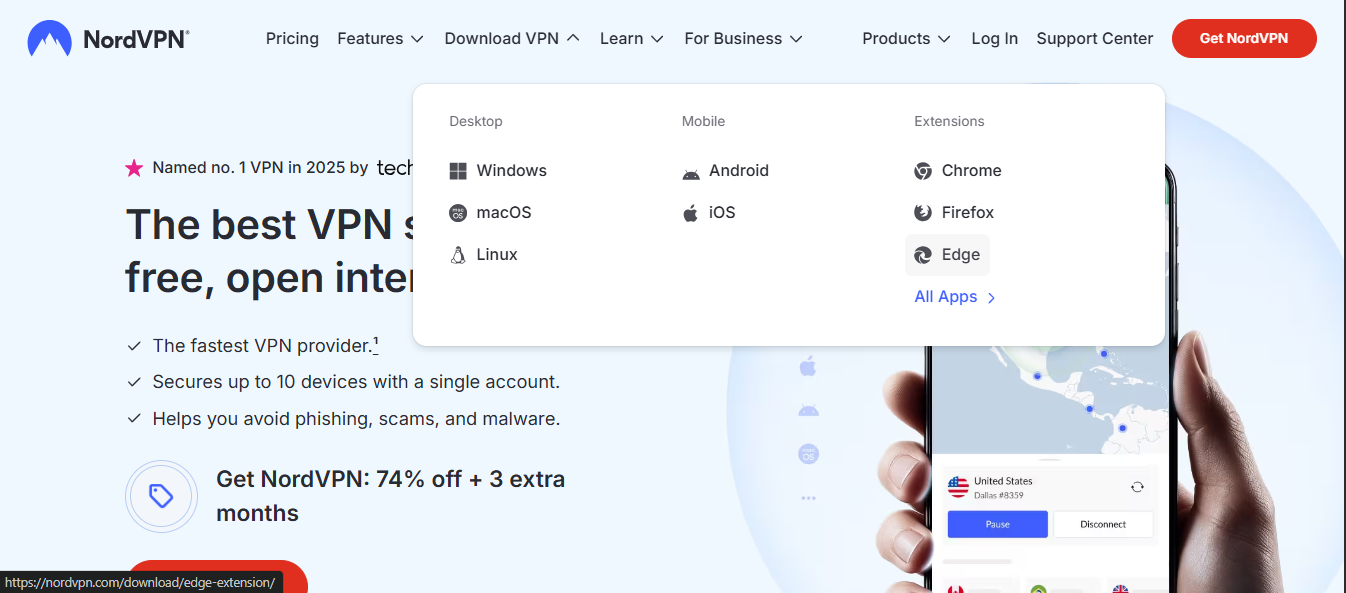
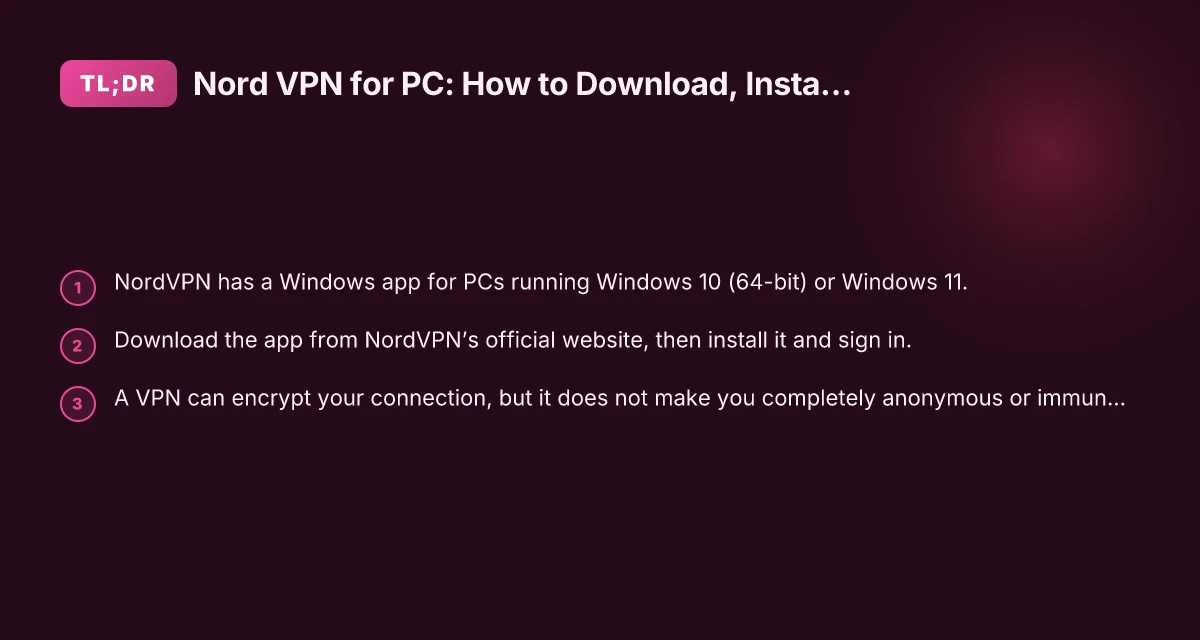
If you’re looking for Nord VPN for PC, NordVPN offers a Windows app for Windows 10 (64-bit) and Windows 11. Download it from NordVPN’s official Windows download page, install the app, sign in, and connect to a VPN server. You’ll need an internet connection to download the app and log in.
Editor's pick: NordVPN — fast, secure VPN — Strong encryption, a no-logs policy and apps for every device. 30-day money-back guarantee. Get NordVPN →
NordVPN for PC compared with other VPN options
| Option | Windows app | Free to use | Main benefit | Main trade-off |
|---|---|---|---|---|
| NordVPN | Yes | No | Broad VPN features | Requires a paid plan |
| Free VPN service | Varies | Usually | No subscription fee | May have limits |
| VPN built into a browser | Browser only | Often | Simple browser setup | Protects browser traffic only |
| Windows without a VPN | No VPN app | Yes | No extra software | No VPN connection |
| VPN from another provider | Varies | Varies | Alternative features and plans | Terms vary by provider |
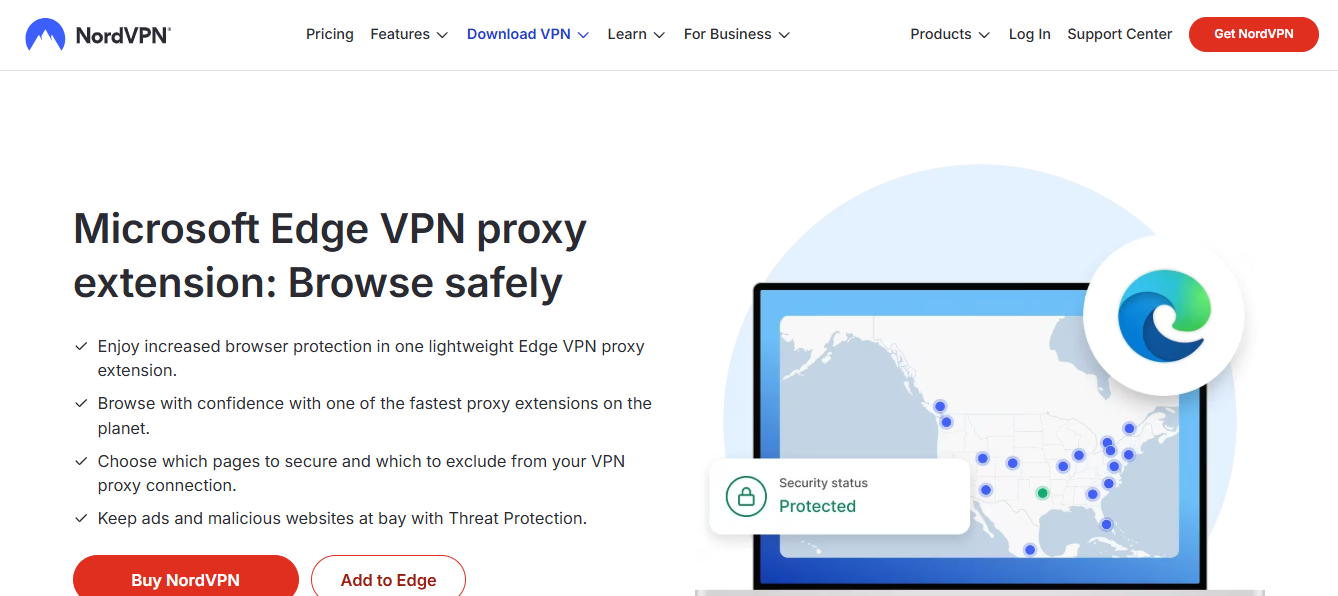
| NordVPN browser extension | Browser only | No | Browser-focused controls | Does not cover all PC apps |
Compiled November 2026; check the provider's site for current details.
| VPN | Obfuscation | From / month | Plan | Free plan | Refund | Alipay | UnionPay | Crypto | Website opens in China | Trustpilot | |
|---|---|---|---|---|---|---|---|---|---|---|---|
 NordVPN | Turn on manually Obfuscated Servers / NordWhisper | $3.49/mo | 27 months: $94.23 | No | 30 days | ? | ✗ | ✓ | ✓ | ✗ Blocked | 4.2/5 (51,628 reviews) |
 ZoogVPN | Turn on manually Shadow | $2.49/mo | 27 months: $59.99 | Yes | 7 days | ✓ | ✓ | ✓ | ✓ | Official site blocked; our special link opens (4.4 s) | 4.2/5 (195 reviews) |
 ExpressVPN | ✓ On by default all servers | $3.00/mo | 28 months: $84 | No | 30 days | ✗ | ✗ | ✓ | ✗ | ✗ Blocked | 4.4/5 (29,706 reviews) |
 Surfshark | ✓ On by default Camouflage, with OpenVPN | See site | See site | No | 30 days | ✗ | ✗ | ✗ | ✓ | ✗ Blocked | 4.3/5 (31,823 reviews) |
 Proton VPN | Turn on manually Stealth, free plan too | $2.99/mo | 12 months: $35.88 | Yes | 30 days | ✗ | ✗ | ✗ | ✓ | ✗ Blocked | 2.1/5 (1,040 reviews) |
 Astrill VPN | Turn on manually StealthVPN / OpenWeb | $12.50/mo | 24 months: $300 | No | See site | ✗ | ✗ | ✗ | ✓ | ✗ Blocked | 1.3/5 (110 reviews) |
 Private Internet Access | Turn on manually Shadowsocks, OpenVPN only | $2.03/mo | 40 months: $81.2 | No | 30 days | ✗ | ✗ | ✗ | ✗ | ✗ Blocked | 4.2/5 (11,033 reviews) |
 CyberGhost | Turn on manually selected servers | $2.19/mo | 28 months: $61.32 | No | 45 days | ✗ | ✗ | ✗ | ✓ | ✗ Blocked | 4.0/5 (24,178 reviews) |
 PureVPN | Turn on manually switch to OpenVPN | $1.69/mo | 60 months: $101.55 | No | 31 days | ? | ? | ✗ | ✓ | ✗ Blocked | 4.4/5 (17,994 reviews) |
 AdGuard VPN | ✓ On by default TrustTunnel | $2.99/mo | 24 months: $71.76 | Yes | 30 days | ✓ | ✗ | ✓ | ✓ | Official site blocked; our special link opens (3.7 s) | 4.3/5 (290 reviews) |
 Mullvad | Turn on manually QUIC / Shadowsocks / LWO | $5.61/mo | €5/mo | No | 14 days | ✗ | ✗ | ✗ | ✓ | ✗ Blocked | 3.2/5 (192 reviews) |
 Windscribe | Turn on manually Stealth / WStunnel | $5.75/mo | 12 months: $69 | Yes | See site | ✗ | ✗ | ✗ | ✓ | ✗ Blocked | 4.7/5 (13,355 reviews) |
 StrongVPN | Turn on manually Scramble, OpenVPN TCP | See site | See site | No | 30 days | ✓ | ✗ | ✗ | ✗ | ✗ Blocked | 4.4/5 (2,695 reviews) |
 LightXtreme 闪连 | Not listed | $7.08/mo | 12 months: $84.99 | Yes | 30 days | ✓ | ✓ | ✓ | ✓ | ✓ Yes (3.5 s) | No page |
Prices checked 2026-11-10 on each vendor's pricing page (cheapest long plan, USD). Check the vendor's checkout for the final price.
Obfuscation checked 2026-11-14 on each vendor's site and help center: "on by default" = nothing to set; "turn on manually" = switch protocol or mode in settings; "not listed" = the vendor describes no obfuscation.
Payment methods checked 2026-11-10 on each vendor's payment pages: all 14 take cards and PayPal; ✗ = not listed, ? = the vendor's own pages disagree.
China access: whether the official website opens from mainland China networks (tests the website only, not the VPN connection). Last checked 2026-11-18 01:02 Beijing time.
Trustpilot score and review count checked 2026-11-10.
What NordVPN for PC does
A VPN routes your internet traffic through a VPN server and encrypts the connection between your device and that server. This can help protect your traffic on networks you don’t fully trust and can make your connection appear to come from the server’s location.
NordVPN’s Windows app is designed for PCs and laptops. The official download page describes it as a way to access online content securely, while the support guide covers installing and using the app on Windows.
A VPN is not the same as complete anonymity. Websites may still identify you through account logins, cookies, browser settings, or other data. A VPN also cannot prevent every form of malware or online tracking.
How to download and install NordVPN on Windows
Use NordVPN’s official download page to get the Windows installer. This helps you avoid lookalike downloads from third-party sites. VPN Extension for Edge Free: How to Choose One Safely
Before you start, make sure you have:
- A PC running Windows 10 (64-bit) or Windows 11
- A working internet connection
- Your NordVPN account login details
Then follow these steps:
- Visit NordVPN’s official Windows download page.
- Download the Windows app installer.
- Open the installer and follow the on-screen instructions.
- Launch NordVPN after installation.
- Sign in to your account.
- Choose a server or use the app’s connection option to get started.
The app may ask you to approve Windows prompts during installation or setup. Review each prompt and proceed only if you’re comfortable with the requested permissions.
Choosing a NordVPN connection method on PC Urban VPN Edge Extension: What It Does and How to Use It
| Method | What it connects | Setup effort | Best for | Coverage |
|---|---|---|---|---|
| Quick Connect | A recommended VPN server | Low | Fast connection | PC traffic through the VPN |
| Country selection | A chosen country | Low | Choosing a location | PC traffic through the VPN |
| Specific server selection | A chosen server | Moderate | Fine-tuning a connection | PC traffic through the VPN |
| Auto-connect | A VPN connection automatically | Low after setup | Connecting on chosen networks | PC traffic through the VPN |
| Disconnect | No VPN server | Low | Temporarily stopping VPN use | No VPN protection |
| App settings | Connection preferences | Moderate | Adjusting how the app works | Depends on the setting |
Compiled November 2026; check the provider's site for current details.
How to connect and use the app
Once you’re signed in, open the app and select a server. You can choose a location based on your needs, such as connecting to a nearby server for general browsing or choosing another location when you need a different virtual location.
After connecting, check the app’s connection status before using services that rely on the VPN. If a page or app does not work as expected, try disconnecting and reconnecting, selecting another server, or checking your internet connection.
A few practical tips: EY VPN Connect: How to Sign In and Troubleshoot Connection Issues
- Connect before using public or shared Wi-Fi if you want your traffic routed through the VPN.
- Disconnect when you no longer need the VPN connection.
- Keep the Windows app updated so you have the latest available fixes and features.
- Check the service’s terms and local laws before using a VPN to access content.
NordVPN for PC compared with other options
The right download depends on your operating system and device. NordVPN’s download pages list apps for several platforms, but the Windows app is the relevant choice for a compatible PC.
| Option | Best for | What to check |
|---|---|---|
| NordVPN for Windows | A compatible Windows PC or laptop | Windows 10 (64-bit) or Windows 11 |
| NordVPN for another platform | A Mac, Linux device, phone, tablet, or supported smart TV | Select the download for that device |
| Third-party download site | Users considering an alternative download source | Verify the file and publisher carefully; the official site is the safer starting point |
NordVPN’s official download information confirms support for Windows 10 (64-bit) and Windows 11. If your PC runs a different Windows version, check NordVPN’s current support information before installing.
NordVPN for PC: benefits, limits, and fit
| Decision factor | NordVPN for PC | What to consider |
|---|---|---|
| Windows compatibility | Windows app available | Check that your Windows version is supported |
| Download source | NordVPN website | Use the official source |
| Installation | Install the downloaded app | Follow the on-screen prompts |
| Connection choices | Quick Connect and server selection | Pick convenience or a preferred location |
| Price | Paid service | A free plan is not available |
| Free trial | Availability may vary | Check current terms |
| Coverage | VPN protection for PC traffic | Disconnecting stops VPN protection |
| Best fit | People seeking a Windows VPN app | Weigh the subscription cost and features |
Compiled November 2026; check the provider's site for current details. Urban VPN Chrome Extension: What It Does and How to Use It
Is NordVPN free for PC, and what are the downsides?
The available official download information explains how to get the app, but it does not establish that the service is free. Downloading an app and using the VPN service are separate things. Check NordVPN’s current plan details and terms directly before subscribing. Avoid relying on outdated claims about trials, prices, or promotions.
Potential downsides are similar to those of other VPN services:
- A VPN may reduce connection speed because traffic takes an additional route.
- Some websites or services may block VPN connections or ask for extra verification.
- A VPN does not hide information you share while logged in to an account.
- You must trust the VPN provider to handle your connection data according to its policies.
- The app requires a supported Windows version and an internet connection for setup.
A VPN can make tracking through your internet connection harder in some situations, but it cannot guarantee that nobody, including law enforcement, can identify you. The answer depends on the data available, the service’s policies, and other identifying information. Do not treat a VPN as protection from lawful investigations or as a way to avoid accountability.
Recommendation
For a Windows PC running Windows 10 (64-bit) or Windows 11, download NordVPN from its official Windows page, install the app, and sign in with your account. It’s a practical option if you want a VPN connection on your PC, but review the current plan terms and privacy information first, and remember that a VPN does not provide complete anonymity. How to Turn Off Microsoft Edge VPN (Secure Network)