Urban VPN Proxy: What It Does, How to Use It, and What to Consider
Learn how Urban VPN Proxy works, where it is available, and how to assess its privacy and security trade-offs.
Urban VPN Proxy is a free VPN and proxy service intended to change your apparent IP address and help you reach websites that may be restricted by location. It is available as a browser extension and through apps for several platforms. Before using it, consider what you need it for: accessing a particular site, protecting traffic on public Wi-Fi, or improving privacy. These are related goals, but a proxy or VPN does not automatically provide complete security or anonymity.
Editor's pick: NordVPN — fast, secure VPN — Strong encryption, a no-logs policy and apps for every device. 30-day money-back guarantee. Get NordVPN →
Compare VPN choices by use case
| Option | Best for | Setup effort | Main trade-off | Consider if |
|---|---|---|---|---|
| Urban VPN Proxy | Trying a free proxy-style VPN | Low | Check privacy terms and limitations | You want a quick starting point |
| Paid VPN service | Regular use and more features | Medium | Usually requires a subscription | You want clearer service terms |
| Browser proxy extension | Changing browser traffic route | Low | May not cover other apps | You only need browser access |
| Built-in browser privacy tools | Basic tracking protection | Low | Not a full VPN replacement | You want simple privacy controls |
| No VPN | Routine browsing on trusted networks | None | Does not mask your IP through a VPN | A VPN is not needed for your task |
| Mobile network | Browsing away from public Wi-Fi | Low | Uses cellular data | You want an alternative to shared Wi-Fi |
Compiled November 2026; check the provider's site for current details.
| VPN | Obfuscation | From / month | Plan | Free plan | Refund | Alipay | UnionPay | Crypto | Website opens in China | Trustpilot | |
|---|---|---|---|---|---|---|---|---|---|---|---|
 ZoogVPN | Turn on manually Shadow | $2.49/mo | 27 months: $59.99 | Yes | 7 days | ✓ | ✓ | ✓ | ✓ | Official site blocked; our special link opens (4.4 s) | 4.2/5 (195 reviews) |
 NordVPN | Turn on manually Obfuscated Servers / NordWhisper | $3.49/mo | 27 months: $94.23 | No | 30 days | ? | ✗ | ✓ | ✓ | ✗ Blocked | 4.2/5 (51,628 reviews) |
 ExpressVPN | ✓ On by default all servers | $3.00/mo | 28 months: $84 | No | 30 days | ✗ | ✗ | ✓ | ✗ | ✗ Blocked | 4.4/5 (29,706 reviews) |
 Surfshark | ✓ On by default Camouflage, with OpenVPN | See site | See site | No | 30 days | ✗ | ✗ | ✗ | ✓ | ✗ Blocked | 4.3/5 (31,823 reviews) |
 Proton VPN | Turn on manually Stealth, free plan too | $2.99/mo | 12 months: $35.88 | Yes | 30 days | ✗ | ✗ | ✗ | ✓ | ✗ Blocked | 2.1/5 (1,040 reviews) |
 Astrill VPN | Turn on manually StealthVPN / OpenWeb | $12.50/mo | 24 months: $300 | No | See site | ✗ | ✗ | ✗ | ✓ | ✗ Blocked | 1.3/5 (110 reviews) |
 Private Internet Access | Turn on manually Shadowsocks, OpenVPN only | $2.03/mo | 40 months: $81.2 | No | 30 days | ✗ | ✗ | ✗ | ✗ | ✗ Blocked | 4.2/5 (11,033 reviews) |
 CyberGhost | Turn on manually selected servers | $2.19/mo | 28 months: $61.32 | No | 45 days | ✗ | ✗ | ✗ | ✓ | ✗ Blocked | 4.0/5 (24,178 reviews) |
 PureVPN | Turn on manually switch to OpenVPN | $1.69/mo | 60 months: $101.55 | No | 31 days | ? | ? | ✗ | ✓ | ✗ Blocked | 4.4/5 (17,994 reviews) |
 AdGuard VPN | ✓ On by default TrustTunnel | $2.99/mo | 24 months: $71.76 | Yes | 30 days | ✓ | ✗ | ✓ | ✓ | Official site blocked; our special link opens (3.7 s) | 4.3/5 (290 reviews) |
 Mullvad | Turn on manually QUIC / Shadowsocks / LWO | $5.61/mo | €5/mo | No | 14 days | ✗ | ✗ | ✗ | ✓ | ✗ Blocked | 3.2/5 (192 reviews) |
 Windscribe | Turn on manually Stealth / WStunnel | $5.75/mo | 12 months: $69 | Yes | See site | ✗ | ✗ | ✗ | ✓ | ✗ Blocked | 4.7/5 (13,355 reviews) |
 StrongVPN | Turn on manually Scramble, OpenVPN TCP | See site | See site | No | 30 days | ✓ | ✗ | ✗ | ✗ | ✗ Blocked | 4.4/5 (2,695 reviews) |
 LightXtreme 闪连 | Not listed | $7.08/mo | 12 months: $84.99 | Yes | 30 days | ✓ | ✓ | ✓ | ✓ | ✓ Yes (3.5 s) | No page |
Prices checked 2026-11-10 on each vendor's pricing page (cheapest long plan, USD). Check the vendor's checkout for the final price.
Obfuscation checked 2026-11-14 on each vendor's site and help center: "on by default" = nothing to set; "turn on manually" = switch protocol or mode in settings; "not listed" = the vendor describes no obfuscation.
Payment methods checked 2026-11-10 on each vendor's payment pages: all 14 take cards and PayPal; ✗ = not listed, ? = the vendor's own pages disagree.
China access: whether the official website opens from mainland China networks (tests the website only, not the VPN connection). Last checked 2026-11-18 01:02 Beijing time.
Trustpilot score and review count checked 2026-11-10.
What is Urban VPN Proxy?
Urban VPN Proxy is the name commonly used for Urban VPN’s browser extension. Urban describes its extension as a way to change your IP address and access geo-restricted websites. Its Chrome Web Store listing promotes free VPN access to websites, while Urban’s website also describes browser security features intended to help shield browsing from phishing attempts, malware, and intrusive ads.
A proxy generally routes traffic through an intermediary server, while a VPN creates an encrypted connection between your device and a VPN server. The exact protection depends on the product, settings, and which traffic is routed through it. In particular, a browser extension may protect browser activity without covering every app or connection on your device.
Urban also offers products beyond the browser extension, including apps and a PC/laptop VPN. Check the specific product’s description and settings rather than assuming every version works in precisely the same way.
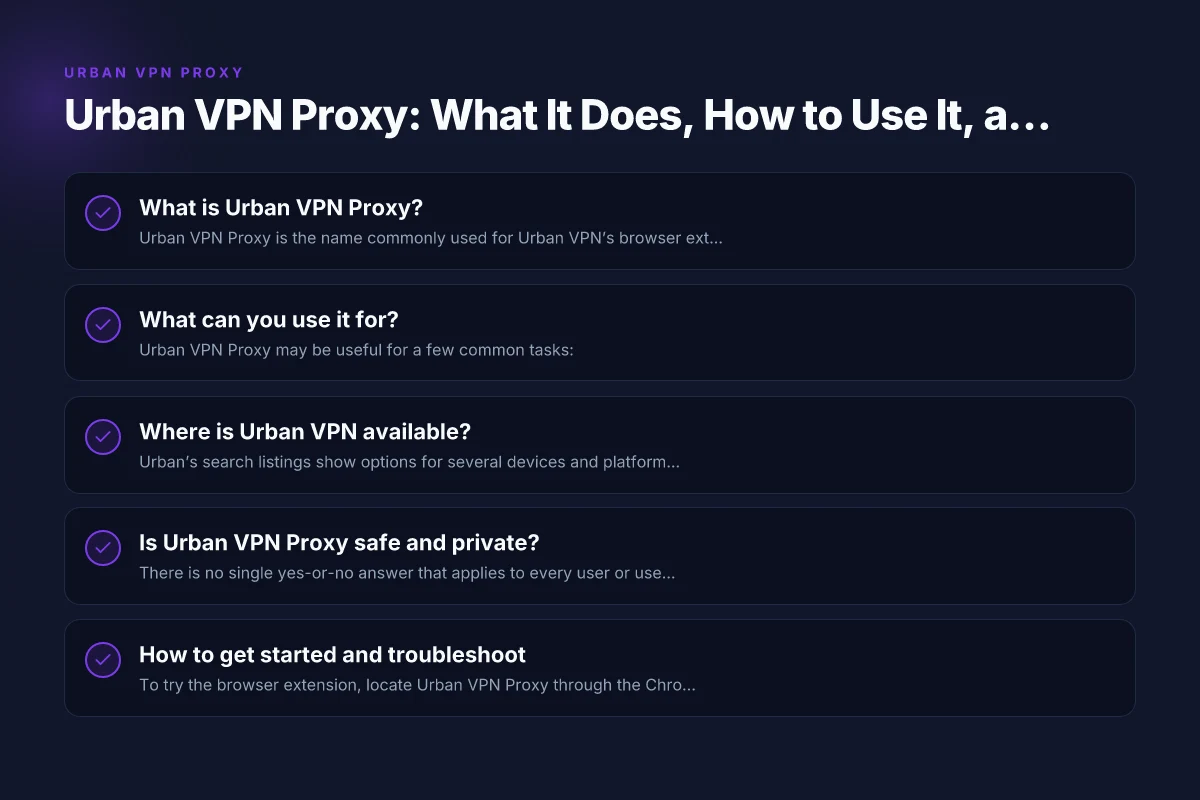
What can you use it for?
Urban VPN Proxy may be useful for a few common tasks: VPN Microsoft Edge: How to Turn It On and Choose the Right Option
- Changing your apparent IP address: Websites may see the address associated with the server you connect through rather than your usual IP address.
- Trying to access location-restricted content: Connecting through another location may help with some geo-restrictions. It cannot guarantee that a particular website or service will work.
- Adding a layer of protection on public Wi-Fi: A VPN connection can help protect traffic between your device and the VPN server, depending on the product and configuration.
- Using browser-based security features: Urban says its extension includes features intended to help protect browsing from phishing, malware, and intrusive ads.
A VPN does not make you invisible online. Websites may still identify you through account logins, cookies, browser settings, or other information. It also does not replace antivirus software, safe browsing habits, or a secure account password.
Check availability before choosing how to install
| Access method | Where to check | What to confirm | Setup effort | Suitable for |
|---|---|---|---|---|
| Browser extension | Your browser’s extension store | Current listing and compatibility | Low | Browser-only use |
| Desktop app | Urban VPN’s official site | Supported operating system | Medium | Traffic from desktop apps |
| Mobile app | Your device’s app store | Device compatibility and permissions | Low | Phone or tablet use |
| Official website | Urban VPN’s official site | Current download links | Low | Finding supported versions |
| App-store listing | Your device’s app store | Publisher and latest details | Low | Verifying the mobile app |
| Help or support page | Urban VPN’s official site | Troubleshooting guidance | Low | Resolving setup issues |
Compiled November 2026; check the provider's site for current details.
Where is Urban VPN available?
Urban’s search listings show options for several devices and platforms. The main differences are whether you want protection within a browser or a VPN app for a device. Hkmc rndvpn hyundai net: Access and Troubleshooting Guide
| Option | Platform or device | General use |
|---|---|---|
| Urban VPN Proxy extension | Chrome | Browser-based access and IP address changes |
| Urban VPN apps | Android, iPhone, iPad, and Mac | VPN access through an app |
| Urban VPN for PC/laptop | Windows 11, Windows 10, Windows 8, and Windows 7 | VPN use on a Windows computer |
Availability and features can change, so confirm details on the relevant app store or Urban’s official website before installing. Use the official source for your device, and review the requested permissions during setup.
Is Urban VPN Proxy safe and private?
There is no single yes-or-no answer that applies to every user or use case. A VPN can encrypt traffic on the connection to its server, but that does not tell you everything about how a service handles data. Privacy also depends on the provider’s policies, technical design, and the way you use the product.
Before relying on Urban VPN Proxy for sensitive activity, review its current privacy policy and the terms for the specific extension or app. Consider questions such as:
- What information does the service collect?
- How is connection or browsing data handled?
- Does the product route all device traffic or only browser traffic?
- What permissions does the extension or app request?
- Are there limitations on the free product?
The Chrome Web Store listing and Urban’s website describe security-related features, but those descriptions are not a substitute for checking current privacy details. Avoid treating any free proxy or VPN as a guarantee of anonymity, and do not use one to bypass laws, workplace rules, or a service’s terms. IPVanish Login: How to Sign In and Fix Common Problems
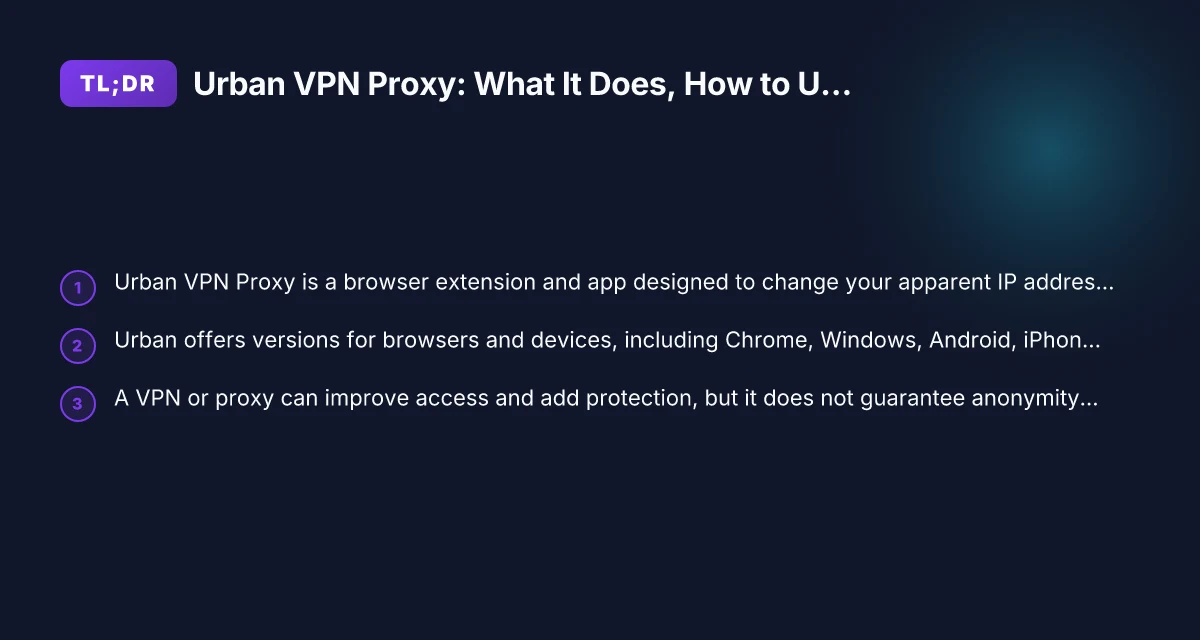
Decide what to check before using Urban VPN Proxy
| Check | What to look for | Why it matters | If unclear |
|---|---|---|---|
| Privacy policy | Data collection and retention terms | Shows how information may be handled | Read the current policy |
| Permissions | Access requested by the app or extension | Helps assess access to device data | Avoid unnecessary permissions |
| Connection status | Whether the VPN is connected | Prevents assuming traffic is protected | Reconnect or check settings |
| IP address | Whether it changes after connection | Helps confirm the apparent location | Test again with the VPN connected |
| DNS behavior | Whether DNS requests use the VPN | DNS may reveal browsing lookups | Consult support or settings |
| App compatibility | Whether your browser or device is supported | Avoids installation problems | Check the official listing |
| Troubleshooting | Error messages and connection steps | Helps narrow down failures | Restart, update, or contact support |
Compiled November 2026; check the provider's site for current details.
How to get started and troubleshoot
To try the browser extension, locate Urban VPN Proxy through the Chrome Web Store and check that the publisher and listing match the product you intend to install. After installation, select a server location and connect. For a phone or computer, use the appropriate Urban app or download page instead.
If a website does not load or remains restricted, try these basic checks: Free VPN: How to Choose One That Protects Your Privacy
- Confirm that the VPN or proxy shows as connected.
- Reload the page or choose another available location.
- Check whether the browser extension is enabled and has the permissions it needs.
- Try the service’s app if you need device-wide rather than browser-only coverage.
- Remember that some websites block VPN traffic or enforce their own location checks.
Do not assume a connection failure means the service has disappeared. Product availability, extensions, and app listings can change. Check Urban’s official site and the relevant app store for the latest information.
Recommendation
Urban VPN Proxy may be worth trying if you want a free browser-based way to change your apparent IP address or test access to a location-restricted website. If privacy is your main concern, first review the current policy and confirm what traffic the specific version covers. Choose the extension for browser use or an app when you need a device-level VPN, and remember that neither option guarantees anonymity or access to every website.