NordVPN Extension for Edge: How to Install and Use It
Learn how to find, install, and connect to the official NordVPN extension for Microsoft Edge.
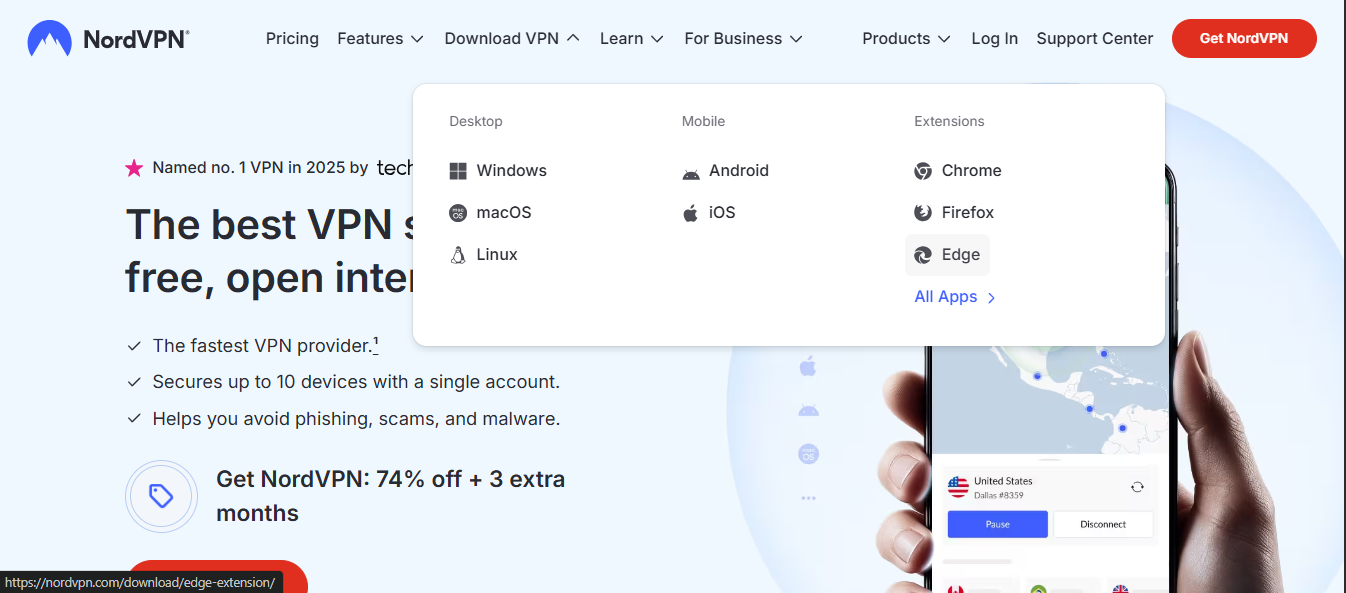
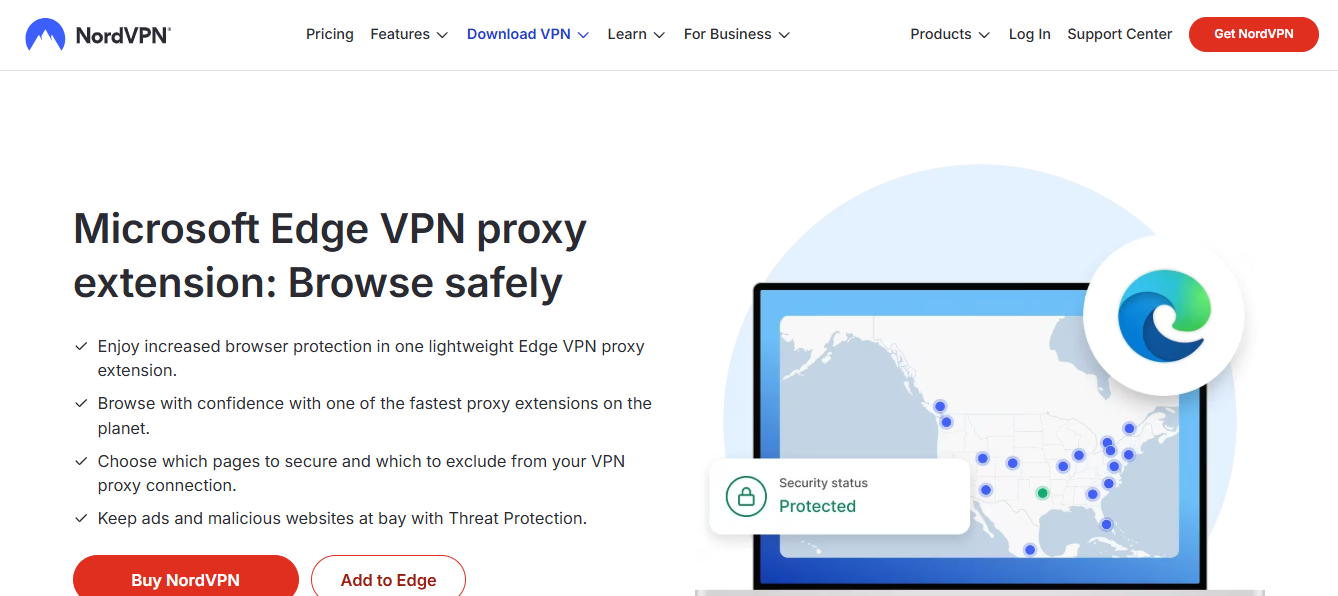
If you’re looking for the NordVPN extension for Edge, install the official NordVPN add-on from the Microsoft Edge Add-ons store, sign in, and select “Secure my connection” to connect. The extension works as a browser proxy: it changes your IP address and virtual location and helps protect your online traffic while you browse in Microsoft Edge.
Editor's pick: NordVPN — fast, secure VPN — Strong encryption, a no-logs policy and apps for every device. 30-day money-back guarantee. Get NordVPN →
Compare the NordVPN Edge extension with the desktop app
| Feature | Edge extension | Desktop app |
|---|---|---|
| Where it works | Edge browser traffic | Device traffic |
| Setup location | Edge Add-ons Store | NordVPN app |
| Browser protection | Edge only | All browsers |
| Other app traffic | Not covered | Covered |
| Connection control | Browser toolbar | App window |
| Best fit | Browser-only use | Whole-device use |
| Works outside Edge | No | Yes |
Compiled November 2026; check the provider's site for current details.
| VPN | Obfuscation | From / month | Plan | Free plan | Refund | Alipay | UnionPay | Crypto | Website opens in China | Trustpilot | |
|---|---|---|---|---|---|---|---|---|---|---|---|
 NordVPN | Turn on manually Obfuscated Servers / NordWhisper | $3.49/mo | 27 months: $94.23 | No | 30 days | ? | ✗ | ✓ | ✓ | ✗ Blocked | 4.2/5 (51,628 reviews) |
 ZoogVPN | Turn on manually Shadow | $2.49/mo | 27 months: $59.99 | Yes | 7 days | ✓ | ✓ | ✓ | ✓ | Official site blocked; our special link opens (4.4 s) | 4.2/5 (195 reviews) |
 ExpressVPN | ✓ On by default all servers | $3.00/mo | 28 months: $84 | No | 30 days | ✗ | ✗ | ✓ | ✗ | ✗ Blocked | 4.4/5 (29,706 reviews) |
 Surfshark | ✓ On by default Camouflage, with OpenVPN | See site | See site | No | 30 days | ✗ | ✗ | ✗ | ✓ | ✗ Blocked | 4.3/5 (31,823 reviews) |
 Proton VPN | Turn on manually Stealth, free plan too | $2.99/mo | 12 months: $35.88 | Yes | 30 days | ✗ | ✗ | ✗ | ✓ | ✗ Blocked | 2.1/5 (1,040 reviews) |
 Astrill VPN | Turn on manually StealthVPN / OpenWeb | $12.50/mo | 24 months: $300 | No | See site | ✗ | ✗ | ✗ | ✓ | ✗ Blocked | 1.3/5 (110 reviews) |
 Private Internet Access | Turn on manually Shadowsocks, OpenVPN only | $2.03/mo | 40 months: $81.2 | No | 30 days | ✗ | ✗ | ✗ | ✗ | ✗ Blocked | 4.2/5 (11,033 reviews) |
 CyberGhost | Turn on manually selected servers | $2.19/mo | 28 months: $61.32 | No | 45 days | ✗ | ✗ | ✗ | ✓ | ✗ Blocked | 4.0/5 (24,178 reviews) |
 PureVPN | Turn on manually switch to OpenVPN | $1.69/mo | 60 months: $101.55 | No | 31 days | ? | ? | ✗ | ✓ | ✗ Blocked | 4.4/5 (17,994 reviews) |
 AdGuard VPN | ✓ On by default TrustTunnel | $2.99/mo | 24 months: $71.76 | Yes | 30 days | ✓ | ✗ | ✓ | ✓ | Official site blocked; our special link opens (3.7 s) | 4.3/5 (290 reviews) |
 Mullvad | Turn on manually QUIC / Shadowsocks / LWO | $5.61/mo | €5/mo | No | 14 days | ✗ | ✗ | ✗ | ✓ | ✗ Blocked | 3.2/5 (192 reviews) |
 Windscribe | Turn on manually Stealth / WStunnel | $5.75/mo | 12 months: $69 | Yes | See site | ✗ | ✗ | ✗ | ✓ | ✗ Blocked | 4.7/5 (13,355 reviews) |
 StrongVPN | Turn on manually Scramble, OpenVPN TCP | See site | See site | No | 30 days | ✓ | ✗ | ✗ | ✗ | ✗ Blocked | 4.4/5 (2,695 reviews) |
 LightXtreme 闪连 | Not listed | $7.08/mo | 12 months: $84.99 | Yes | 30 days | ✓ | ✓ | ✓ | ✓ | ✓ Yes (3.5 s) | No page |
Prices checked 2026-11-10 on each vendor's pricing page (cheapest long plan, USD). Check the vendor's checkout for the final price.
Obfuscation checked 2026-11-14 on each vendor's site and help center: "on by default" = nothing to set; "turn on manually" = switch protocol or mode in settings; "not listed" = the vendor describes no obfuscation.
Payment methods checked 2026-11-10 on each vendor's payment pages: all 14 take cards and PayPal; ✗ = not listed, ? = the vendor's own pages disagree.
China access: whether the official website opens from mainland China networks (tests the website only, not the VPN connection). Last checked 2026-11-18 01:02 Beijing time.
Trustpilot score and review count checked 2026-11-10.
What the NordVPN Edge extension does
The NordVPN extension is designed for browser use. Once connected, it routes your Edge browsing traffic through NordVPN and can make websites see the IP address associated with your chosen VPN connection rather than your usual one.
This can be useful when you want privacy while browsing or need to access websites as if you were connecting from another location. Keep in mind that a browser extension and a full VPN app are not necessarily the same thing: the extension is focused on traffic in Edge, while a VPN app may protect traffic from other apps on your device as well.
| Option | Best suited to | Coverage |
|---|---|---|
| NordVPN Edge extension | Protecting browsing in Microsoft Edge | Browser traffic in Edge |
| NordVPN app | Protecting a wider range of device activity | Device-level VPN connections, depending on your setup |
Choose the option that matches what you want to protect. If you only need a VPN connection for browsing in Edge, the extension may be convenient. If you want protection beyond the browser, check NordVPN’s app options for your device.
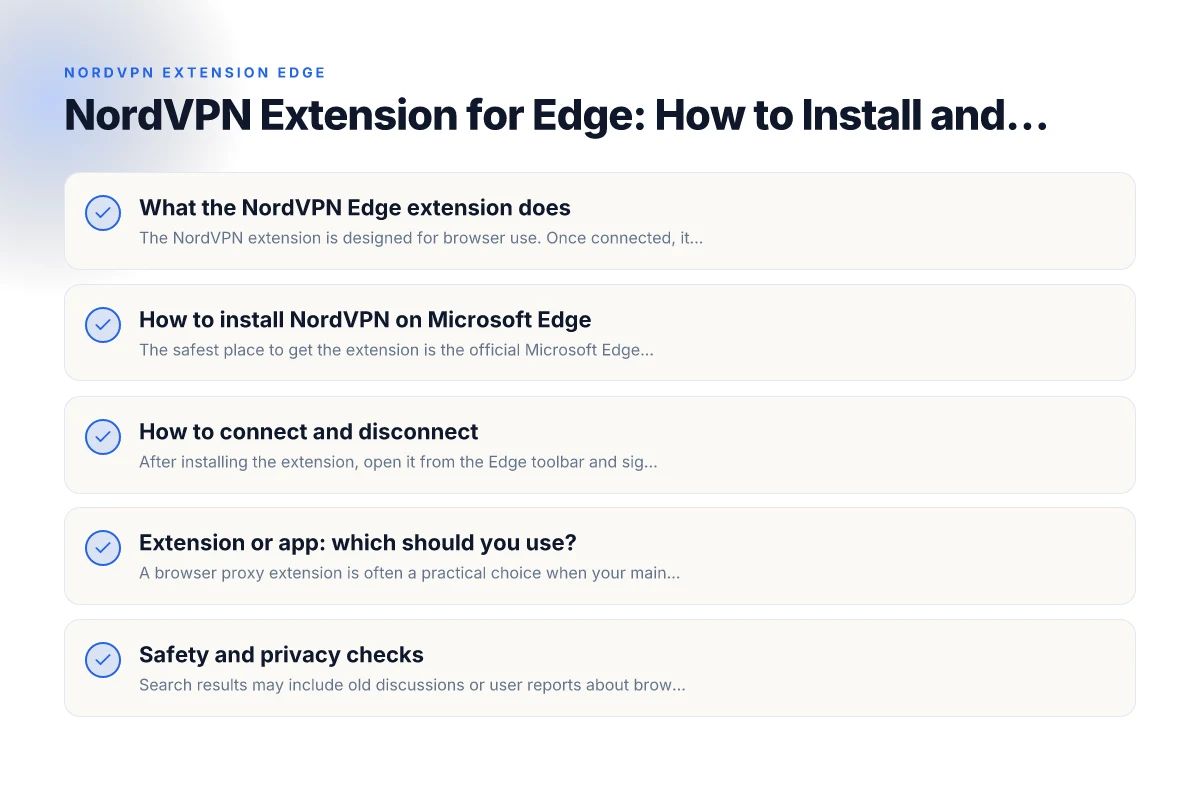
How to install NordVPN on Microsoft Edge
The safest place to get the extension is the official Microsoft Edge Add-ons store. Search for NordVPN there and check that the listing is the official NordVPN extension before installing it. VPN Extension for Microsoft Edge: How to Choose and Use One
Installation steps
- Open Microsoft Edge.
- Visit the Microsoft Edge Add-ons store.
- Search for NordVPN.
- Open the official NordVPN listing and choose the option to get or install the add-on.
- Approve the browser’s installation prompt.
- Open the extension from Edge’s toolbar. If it is not visible, check the browser’s extensions menu and pin it for easier access.
- Sign in to your NordVPN account when prompted.
You can also start from NordVPN’s official Edge extension download page, which directs you toward the relevant setup information. Avoid downloading browser extensions from unfamiliar websites or installing similarly named add-ons without verifying the publisher.
How to connect and disconnect
After installing the extension, open it from the Edge toolbar and sign in. To connect, select “Secure my connection.” The extension will establish a connection, after which your Edge browsing traffic should use the VPN connection.
To finish your session, reopen the extension and disconnect using its on-screen control. The exact layout can change as the extension is updated, so follow the current prompts shown in your browser.
If the connection does not start, try these basic checks: Free VPN for Edge Extension: What to Choose and How to Stay Safe
- Confirm that you are signed in to the correct NordVPN account.
- Check that Edge is online and that the extension is enabled.
- Close and reopen the extension, then try connecting again.
- Restart Edge if the add-on appears unresponsive.
- Visit NordVPN’s support page for current troubleshooting steps.
NordVPN’s support documentation provides instructions for connecting through the Edge extension. Use that official guidance if the steps in the extension differ from what you see here.
Edge extension setup and connection choices
| Step | Action | What to check | If it does not work |
|---|---|---|---|
| Install | Find NordVPN in Edge Add-ons | Confirm the publisher | Avoid lookalike extensions |
| Add | Select the install option | Review requested permissions | Cancel if details seem suspicious |
| Sign in | Open the extension | Use your NordVPN account | Check account access |
| Connect | Choose a server or quick connect | Look for connected status | Try another server |
| Browse | Open a site in Edge | Confirm the extension stays connected | Reconnect if needed |
| Disconnect | Use the extension control | Check the status changes | Reopen the extension |
Compiled November 2026; check the provider's site for current details.
Extension or app: which should you use?
A browser proxy extension is often a practical choice when your main goal is to change your apparent IP address and protect browsing in Edge. It is also easy to access directly from the browser toolbar. Free VPN Edge Extension: How to Choose One for Microsoft Edge
However, browser coverage matters. An Edge extension should not be assumed to protect every connection made by your computer. Other browsers and standalone apps may use separate network connections. If you need VPN protection across your device, consider using the NordVPN app and review its settings for your operating system.
Before choosing, ask yourself:
- Do I mainly want protection while browsing in Edge?
- Do I also need VPN coverage for other browsers or apps?
- Would I prefer to manage the VPN from a browser toolbar or a dedicated app?
Your answers will help determine whether the extension alone meets your needs.
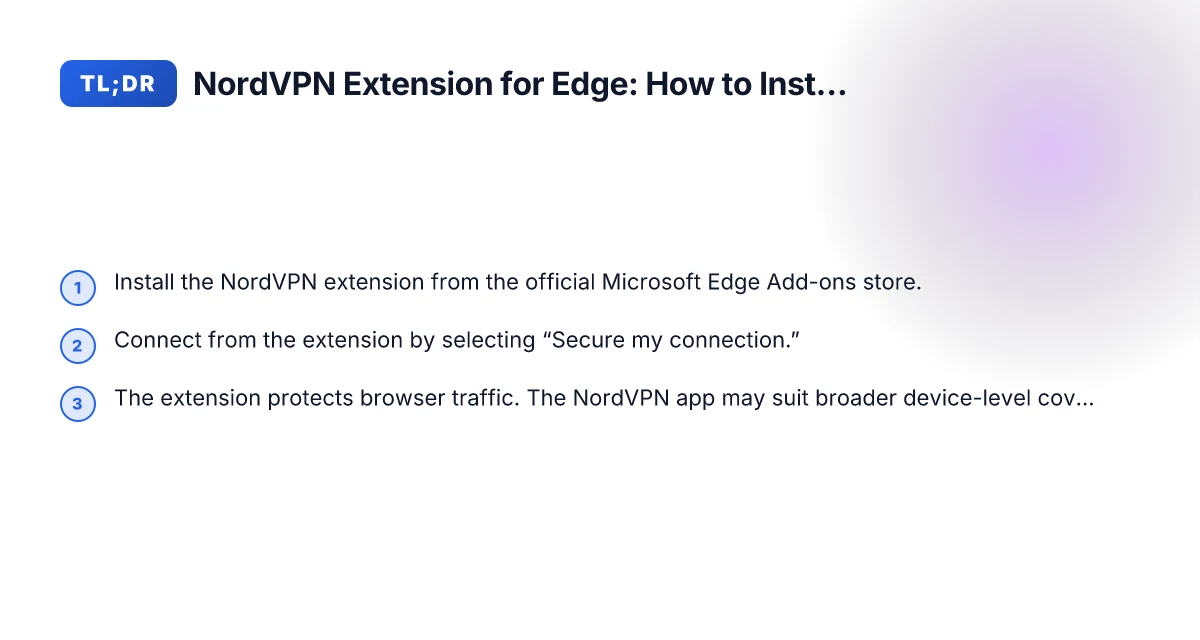
Safety and privacy checks
Search results may include old discussions or user reports about browser add-ons. Such posts are not a substitute for checking the current official listing. To reduce the risk of installing an imitation or unwanted extension, use the Microsoft Edge Add-ons store or NordVPN’s own website, and verify the extension’s publisher before proceeding. VPN Extension Edge Free: How to Choose a Free VPN for Microsoft Edge
It is also sensible to review the permissions requested by any extension and keep both Edge and the add-on updated. If you are unsure whether an extension is genuine, do not install it until you have confirmed it through NordVPN’s official support or download pages.
A VPN can help protect browsing traffic and change the IP address websites see, but it does not make every online activity anonymous or remove the need for careful security habits. Continue to use strong, unique passwords and be cautious with links, downloads, and account information.
Safety and privacy checks before using the extension
| Check | What to verify | Reassuring sign | Warning sign |
|---|---|---|---|
| Publisher | Extension listing identity | NordVPN is clearly identified | Similar name or unclear publisher |
| Permissions | Access requested by the extension | Requests fit its function | Unexpected or excessive access |
| Account | Sign-in page and account | Official NordVPN sign-in | Unfamiliar login page |
| Connection | Status after connecting | Extension shows connected | Status is unclear |
| Coverage | Which traffic is protected | Edge browser traffic is understood | Assuming all device traffic is covered |
| Updates | Extension listing and version | Maintained listing | Unmaintained or suspicious listing |
Compiled November 2026; check the provider's site for current details. Nord VPN for PC: How to Download, Install, and Use It
Recommendation
For a straightforward VPN connection in Microsoft Edge, install the NordVPN extension from the official Edge Add-ons store, sign in, and select “Secure my connection.” Use the extension when you want browser-focused coverage. Choose the NordVPN app if you need protection beyond Edge.