Urban VPN Extension: What It Does and How to Use It
Learn what the Urban VPN extension offers, how to install it, and what to check before relying on it.
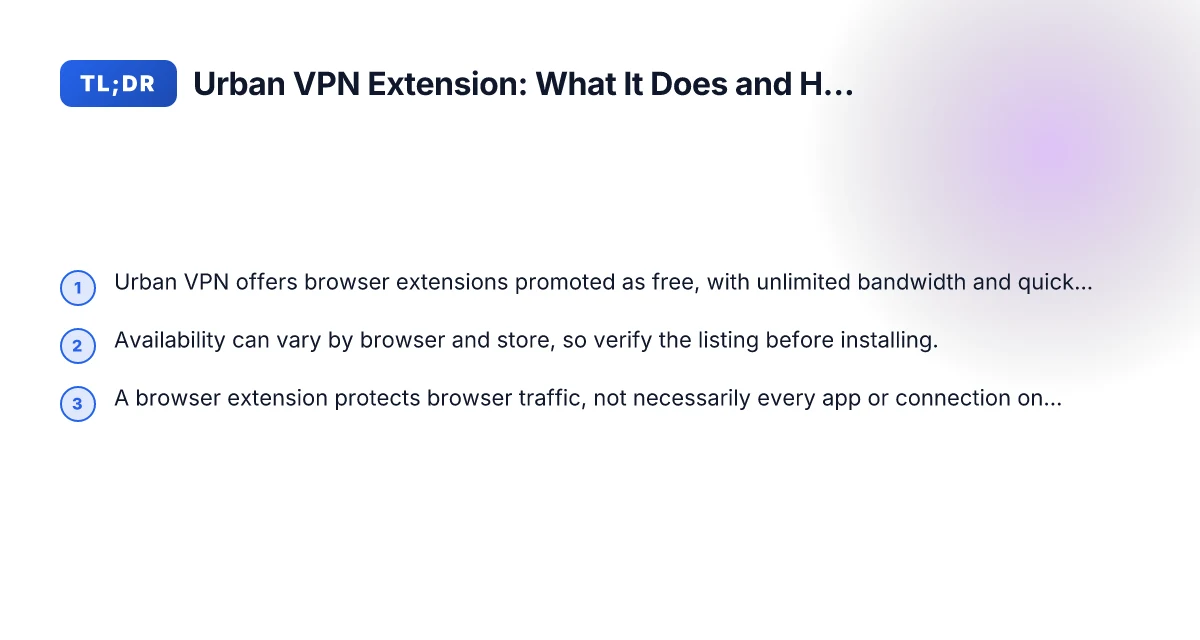
The Urban VPN extension is a browser add-on designed to route browser traffic through a VPN connection. Urban VPN promotes its extension for Chrome and Firefox, describing it as free, quick to activate, and offering unlimited bandwidth. It may help users access websites that are unavailable on their usual connection, but you should check current browser-store availability and understand the limits of browser-only protection before installing it.
Editor's pick: NordVPN — fast, secure VPN — Strong encryption, a no-logs policy and apps for every device. 30-day money-back guarantee. Get NordVPN →
Urban VPN features at a glance
| Feature | Browser extension | Desktop VPN | What to check |
|---|---|---|---|
| Where it runs | In a supported browser | On the computer | Check device and browser support |
| Installation | Add through a browser store | Install the desktop app | Use an official download source |
| Connection scope | Browser traffic | Device traffic | Confirm which apps are covered |
| Server selection | Check extension options | Check app options | Look for available locations |
| Availability | Varies by browser and region | Varies by device and region | Verify before installing |
| Setup | Enable the extension | Open and connect in the app | Follow current product instructions |
Compiled November 2026; check the provider's site for current details.
| VPN | Obfuscation | From / month | Plan | Free plan | Refund | Alipay | UnionPay | Crypto | Website opens in China | Trustpilot | |
|---|---|---|---|---|---|---|---|---|---|---|---|
 ZoogVPN | Turn on manually Shadow | $2.49/mo | 27 months: $59.99 | Yes | 7 days | ✓ | ✓ | ✓ | ✓ | Official site blocked; our special link opens (4.4 s) | 4.2/5 (195 reviews) |
 NordVPN | Turn on manually Obfuscated Servers / NordWhisper | $3.49/mo | 27 months: $94.23 | No | 30 days | ? | ✗ | ✓ | ✓ | ✗ Blocked | 4.2/5 (51,628 reviews) |
 ExpressVPN | ✓ On by default all servers | $3.00/mo | 28 months: $84 | No | 30 days | ✗ | ✗ | ✓ | ✗ | ✗ Blocked | 4.4/5 (29,706 reviews) |
 Surfshark | ✓ On by default Camouflage, with OpenVPN | See site | See site | No | 30 days | ✗ | ✗ | ✗ | ✓ | ✗ Blocked | 4.3/5 (31,823 reviews) |
 Proton VPN | Turn on manually Stealth, free plan too | $2.99/mo | 12 months: $35.88 | Yes | 30 days | ✗ | ✗ | ✗ | ✓ | ✗ Blocked | 2.1/5 (1,040 reviews) |
 Astrill VPN | Turn on manually StealthVPN / OpenWeb | $12.50/mo | 24 months: $300 | No | See site | ✗ | ✗ | ✗ | ✓ | ✗ Blocked | 1.3/5 (110 reviews) |
 Private Internet Access | Turn on manually Shadowsocks, OpenVPN only | $2.03/mo | 40 months: $81.2 | No | 30 days | ✗ | ✗ | ✗ | ✗ | ✗ Blocked | 4.2/5 (11,033 reviews) |
 CyberGhost | Turn on manually selected servers | $2.19/mo | 28 months: $61.32 | No | 45 days | ✗ | ✗ | ✗ | ✓ | ✗ Blocked | 4.0/5 (24,178 reviews) |
 PureVPN | Turn on manually switch to OpenVPN | $1.69/mo | 60 months: $101.55 | No | 31 days | ? | ? | ✗ | ✓ | ✗ Blocked | 4.4/5 (17,994 reviews) |
 AdGuard VPN | ✓ On by default TrustTunnel | $2.99/mo | 24 months: $71.76 | Yes | 30 days | ✓ | ✗ | ✓ | ✓ | Official site blocked; our special link opens (3.7 s) | 4.3/5 (290 reviews) |
 Mullvad | Turn on manually QUIC / Shadowsocks / LWO | $5.61/mo | €5/mo | No | 14 days | ✗ | ✗ | ✗ | ✓ | ✗ Blocked | 3.2/5 (192 reviews) |
 Windscribe | Turn on manually Stealth / WStunnel | $5.75/mo | 12 months: $69 | Yes | See site | ✗ | ✗ | ✗ | ✓ | ✗ Blocked | 4.7/5 (13,355 reviews) |
 StrongVPN | Turn on manually Scramble, OpenVPN TCP | See site | See site | No | 30 days | ✓ | ✗ | ✗ | ✗ | ✗ Blocked | 4.4/5 (2,695 reviews) |
 LightXtreme 闪连 | Not listed | $7.08/mo | 12 months: $84.99 | Yes | 30 days | ✓ | ✓ | ✓ | ✓ | ✓ Yes (3.5 s) | No page |
Prices checked 2026-11-10 on each vendor's pricing page (cheapest long plan, USD). Check the vendor's checkout for the final price.
Obfuscation checked 2026-11-14 on each vendor's site and help center: "on by default" = nothing to set; "turn on manually" = switch protocol or mode in settings; "not listed" = the vendor describes no obfuscation.
Payment methods checked 2026-11-10 on each vendor's payment pages: all 14 take cards and PayPal; ✗ = not listed, ? = the vendor's own pages disagree.
China access: whether the official website opens from mainland China networks (tests the website only, not the VPN connection). Last checked 2026-11-18 01:02 Beijing time.
Trustpilot score and review count checked 2026-11-10.
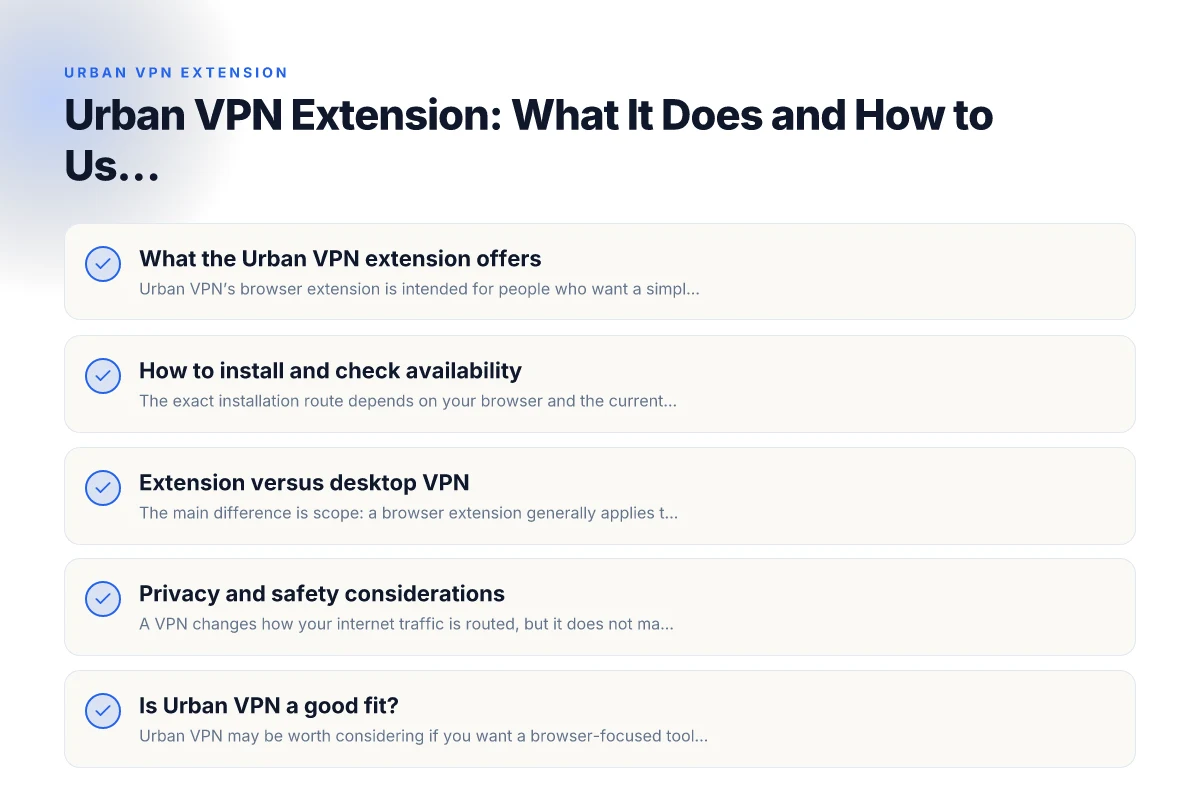
What the Urban VPN extension offers
Urban VPN’s browser extension is intended for people who want a simple way to switch their browser connection through a VPN without setting up a separate desktop app. The company advertises access to multiple locations, unlimited bandwidth, and support for streaming and downloads.
A VPN extension can be convenient when your main goal is to change the apparent location of browser traffic or add a layer between your browser and the websites you visit. However, an extension is not automatically equivalent to a full-device VPN. Traffic from other apps may not use the browser extension’s connection.
Urban VPN also describes security features intended to help shield browsing from phishing attempts, malware, and intrusive ads. Treat such features as additional safeguards, not as a replacement for updated software, careful link checking, or dedicated security tools.
How to install and check availability
The exact installation route depends on your browser and the current status of its extension store. Search for “Urban VPN Proxy” in the official store for your browser, or follow the extension link from Urban VPN’s official website. Before adding it, confirm the publisher and review the permissions requested. NordVPN Login: How to Sign In and Fix Common Problems
Some users have reported difficulty finding the extension in the Chrome Web Store. Store listings can change, and search results or older links may not reflect current availability. If you cannot find a verified listing, avoid downloading an extension file from an unfamiliar website or installing a copy from an unofficial source.
A practical installation check:
- Confirm that the browser store lists the extension and identifies its publisher.
- Read the requested permissions and decide whether they make sense for the features offered.
- Review recent user feedback and the extension’s update history where available.
- Check Urban VPN’s official site for current browser support and setup guidance.
- After installation, test the connection and confirm that the extension indicates when it is active.
Urban VPN also promotes a separate VPN product for Windows PCs and laptops. That is a different option from a browser extension and may be more appropriate if you want VPN coverage beyond browser traffic. Check the official product information for compatibility with your device and operating system.
Extension or desktop VPN? FortiClient VPN: What It Is, How to Connect, and Whether It’s Safe
| Consideration | Extension | Desktop VPN | Better fit when |
|---|---|---|---|
| Coverage | Browser traffic | Device traffic | You want browser-only or broader coverage |
| Setup | Browser-store installation | Desktop-app installation | You prefer a browser add-on or app |
| Browser use | Runs in the browser | Runs separately from the browser | You want browser-level controls |
| Other applications | Not covered by the extension alone | May cover device traffic | You need coverage beyond the browser |
| Availability | Depends on browser support | Depends on operating-system support | Your device supports the option |
| Settings | Check extension controls | Check app controls | You need specific connection options |
Compiled November 2026; check the provider's site for current details.
Extension versus desktop VPN
The main difference is scope: a browser extension generally applies to activity in that browser, while a desktop VPN app is designed to handle network traffic from across the device. The precise behavior depends on the product and its settings, so check the documentation rather than assuming all traffic is covered.
| Option | Typical scope | May suit |
|---|---|---|
| Urban VPN browser extension | Browser activity | People seeking a quick browser-level connection |
| Urban VPN desktop app | Device-level VPN connection, subject to app settings | People who want VPN coverage for more than one browser |
If you only need to change the connection used by one browser, an extension may be more straightforward. If you use apps outside the browser or want broader coverage, consider a desktop VPN app and verify how it handles your device’s traffic.
Privacy and safety considerations
A VPN changes how your internet traffic is routed, but it does not make you anonymous or protect you from every online risk. Websites may still identify you through account sign-ins, cookies, browser settings, or other information. A VPN also does not guarantee that a blocked website will become accessible. Forticlientvpninstaller.exe: How to Download and Install FortiClient VPN
Before using any VPN extension, take time to review its privacy policy and permissions. Pay particular attention to what data the provider says it collects, how it uses that data, and whether the policy explains how long information is retained. These details matter even when a service is promoted as free.
Keep these points in mind:
- A browser extension may not protect traffic from other apps.
- A VPN does not replace antivirus software or safe browsing habits.
- “Free” and “unlimited bandwidth” describe the advertised offer, not a guarantee of speed, availability, or privacy.
- Avoid entering sensitive information while connected to an unfamiliar network or service unless you are confident in your security setup.
- Recheck the extension’s publisher and permissions if the listing changes.
Is Urban VPN a good fit?
Urban VPN may be worth considering if you want a browser-focused tool, prefer a quick setup, and can find a verified extension listing for your browser. Its advertised unlimited bandwidth may appeal to users who expect to browse, stream, or download without a stated data cap, though actual performance can vary.
It may be a poor fit if you need a VPN for all device traffic, require detailed controls, or have strict privacy requirements that are not answered by the provider’s policy. In those cases, compare the extension with a desktop VPN and review the provider’s terms before making a choice. VPN to Change Location Free: What Works and What to Check
Decide whether Urban VPN is a good fit
| Question | What to check | If yes | If no |
|---|---|---|---|
| Is your browser supported? | Current browser-store listing | Consider the extension | Check desktop availability |
| Is it available in your region? | Store or official product page | Continue setup | Consider another option |
| Do you need browser-only coverage? | Which traffic you want covered | Extension may fit | Compare desktop VPN coverage |
| Do you need coverage for other apps? | Desktop app’s stated coverage | Compare the desktop app | Extension may be sufficient |
| Have you reviewed privacy details? | Current privacy policy and permissions | Decide with that information | Review before connecting |
| Is it suitable for your use? | Current features and limitations | Try it if they meet your needs | Compare alternatives |
Compiled November 2026; check the provider's site for current details.
Recommendation
Start by checking Urban VPN’s official site and your browser’s own extension store for a current, verified listing. If you install the extension, review its permissions and privacy policy, then remember that browser protection may not cover the rest of your device. Choose the desktop option or another service if you need broader coverage or stronger assurances than the extension’s current documentation provides.