VPN to Change Location Free: What Works and What to Check
Find out how a free VPN can change your IP location, what limitations to expect, and how to choose one more safely.
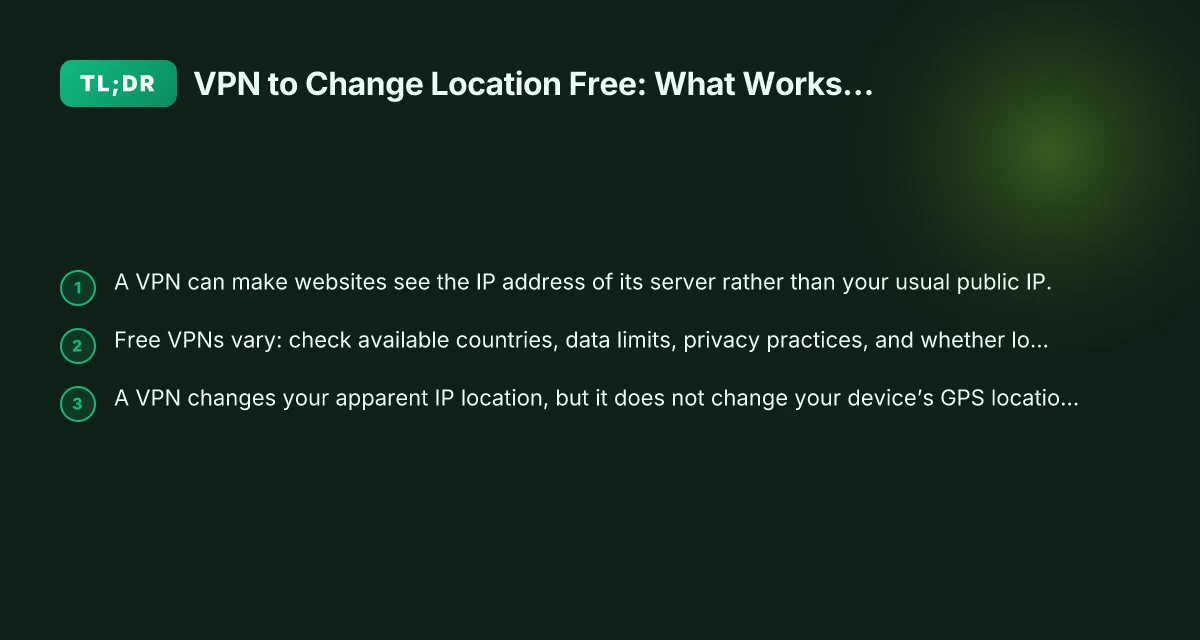
A VPN to change location free can work, but the available countries and features depend on the provider. When you connect, websites generally see the VPN server’s IP address instead of your usual public IP, which can make your connection appear to come from another location. Free plans may restrict server choices or switching, so check the details before installing one.
Editor's pick: NordVPN — fast, secure VPN — Strong encryption, a no-logs policy and apps for every device. 30-day money-back guarantee. Get NordVPN →
What a VPN changes—and what it does not
| Signal or service | What it can reveal | What a VPN changes | Is it fully masked? |
|---|---|---|---|
| Public IP address | Network and approximate location | Replaces it with the VPN server’s IP | Usually, while connected |
| GPS location | Device coordinates | Does not normally change GPS | No |
| Wi-Fi or mobile network | Nearby network details | Routes internet traffic through VPN | No |
| Browser location permission | Location shared by the browser | Does not override permission or device location | No |
| Account profile | Saved country or billing details | Does not update account information | No |
| DNS requests | Domains being looked up | May route requests through VPN DNS | Depends on VPN setup |
| Website region checks | IP and other account or device signals | Changes the IP-based signal | Not always |
| Streaming access | IP, account, and service rules | May make the connection appear to come from another region | Not guaranteed |
Compiled November 2026; check the provider's site for current details.
| VPN | Obfuscation | From / month | Plan | Free plan | Refund | Alipay | UnionPay | Crypto | Website opens in China | Trustpilot | |
|---|---|---|---|---|---|---|---|---|---|---|---|
 Proton VPN | Turn on manually Stealth, free plan too | $2.99/mo | 12 months: $35.88 | Yes | 30 days | ✗ | ✗ | ✗ | ✓ | ✗ Blocked | 2.1/5 (1,040 reviews) |
 ZoogVPN | Turn on manually Shadow | $2.49/mo | 27 months: $59.99 | Yes | 7 days | ✓ | ✓ | ✓ | ✓ | Official site blocked; our special link opens (4.4 s) | 4.2/5 (195 reviews) |
 NordVPN | Turn on manually Obfuscated Servers / NordWhisper | $3.49/mo | 27 months: $94.23 | No | 30 days | ? | ✗ | ✓ | ✓ | ✗ Blocked | 4.2/5 (51,628 reviews) |
 ExpressVPN | ✓ On by default all servers | $3.00/mo | 28 months: $84 | No | 30 days | ✗ | ✗ | ✓ | ✗ | ✗ Blocked | 4.4/5 (29,706 reviews) |
 Surfshark | ✓ On by default Camouflage, with OpenVPN | See site | See site | No | 30 days | ✗ | ✗ | ✗ | ✓ | ✗ Blocked | 4.3/5 (31,823 reviews) |
 Astrill VPN | Turn on manually StealthVPN / OpenWeb | $12.50/mo | 24 months: $300 | No | See site | ✗ | ✗ | ✗ | ✓ | ✗ Blocked | 1.3/5 (110 reviews) |
 Private Internet Access | Turn on manually Shadowsocks, OpenVPN only | $2.03/mo | 40 months: $81.2 | No | 30 days | ✗ | ✗ | ✗ | ✗ | ✗ Blocked | 4.2/5 (11,033 reviews) |
 CyberGhost | Turn on manually selected servers | $2.19/mo | 28 months: $61.32 | No | 45 days | ✗ | ✗ | ✗ | ✓ | ✗ Blocked | 4.0/5 (24,178 reviews) |
 PureVPN | Turn on manually switch to OpenVPN | $1.69/mo | 60 months: $101.55 | No | 31 days | ? | ? | ✗ | ✓ | ✗ Blocked | 4.4/5 (17,994 reviews) |
 AdGuard VPN | ✓ On by default TrustTunnel | $2.99/mo | 24 months: $71.76 | Yes | 30 days | ✓ | ✗ | ✓ | ✓ | Official site blocked; our special link opens (3.7 s) | 4.3/5 (290 reviews) |
 Mullvad | Turn on manually QUIC / Shadowsocks / LWO | $5.61/mo | €5/mo | No | 14 days | ✗ | ✗ | ✗ | ✓ | ✗ Blocked | 3.2/5 (192 reviews) |
 Windscribe | Turn on manually Stealth / WStunnel | $5.75/mo | 12 months: $69 | Yes | See site | ✗ | ✗ | ✗ | ✓ | ✗ Blocked | 4.7/5 (13,355 reviews) |
 StrongVPN | Turn on manually Scramble, OpenVPN TCP | See site | See site | No | 30 days | ✓ | ✗ | ✗ | ✗ | ✗ Blocked | 4.4/5 (2,695 reviews) |
 LightXtreme 闪连 | Not listed | $7.08/mo | 12 months: $84.99 | Yes | 30 days | ✓ | ✓ | ✓ | ✓ | ✓ Yes (3.5 s) | No page |
Prices checked 2026-11-10 on each vendor's pricing page (cheapest long plan, USD). Check the vendor's checkout for the final price.
Obfuscation checked 2026-11-14 on each vendor's site and help center: "on by default" = nothing to set; "turn on manually" = switch protocol or mode in settings; "not listed" = the vendor describes no obfuscation.
Payment methods checked 2026-11-10 on each vendor's payment pages: all 14 take cards and PayPal; ✗ = not listed, ? = the vendor's own pages disagree.
China access: whether the official website opens from mainland China networks (tests the website only, not the VPN connection). Last checked 2026-11-18 01:02 Beijing time.
Trustpilot score and review count checked 2026-11-10.
How a VPN changes your apparent location
A VPN routes your internet traffic through a server operated by the VPN provider. A website can usually use the connection’s public IP address to estimate where it originates. With a VPN connected, that address belongs to the VPN server, so the website may identify the server’s location instead.
This can be useful for protecting your IP address on a public Wi-Fi network or for testing how a website appears from another region. However, it is not the same as changing every location signal on your device.
What a VPN does not change
A VPN does not necessarily alter GPS data, location settings, or information shared by apps through your account. Some services may also use other signals to determine your region. As a result, a VPN may change your apparent IP location without making your device appear to be somewhere else in every app or service.
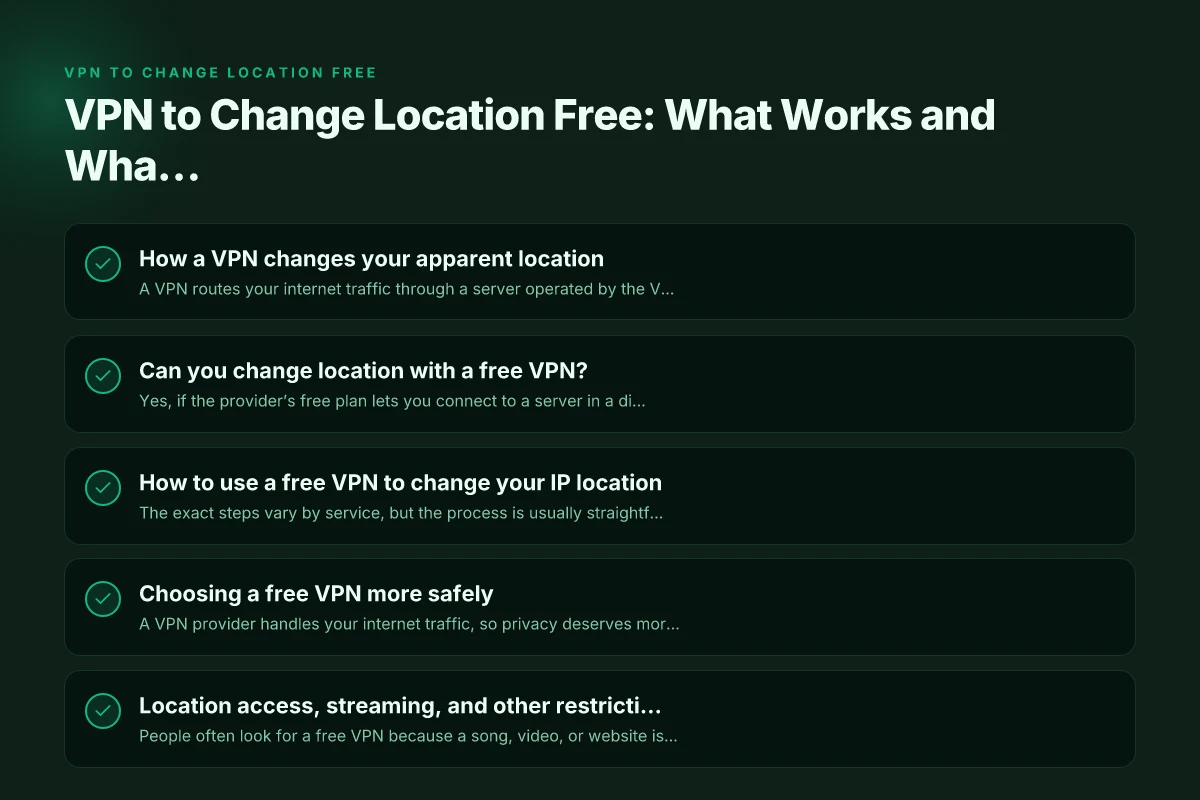
Can you change location with a free VPN?
Yes, if the provider’s free plan lets you connect to a server in a different location. The key limitation is choice: a free plan may offer only certain countries, restrict how often you can switch, or provide fewer features than a paid plan. How Can I Tell If a VPN Is Blocking My Internet?
Provider descriptions illustrate how different free VPN offers can be. Proton VPN says its free plan has no data limit, no ads, and no logs of user activity. UrbanVPN advertises 82 VPN countries and unlimited server and location switches. These are provider claims, so review each service’s current plan details and privacy information before deciding.
| What to compare | Why it matters |
|---|---|
| Available countries | You need a server in a location you can select. |
| Location switching | Some plans limit server changes or make specific locations unavailable. |
| Data allowance | A data cap can interrupt browsing or streaming. |
| Privacy policy | Understand what connection or activity information the provider says it collects. |
| Ads and app permissions | Check how the service is funded and what access its app requests. |
| Device support | Confirm the VPN works on the device you plan to use. |
“Free” does not automatically mean unlimited, private, or suitable for every purpose. Read the plan terms rather than relying only on a headline or an app-store description.
How to use a free VPN to change your IP location
The exact steps vary by service, but the process is usually straightforward:
- Choose a VPN provider and read its free-plan terms and privacy policy.
- Download the official app from the provider or your device’s trusted app store.
- Create an account if the provider requires one.
- Open the app and review the available server locations.
- Select a location and connect.
- Check that the VPN shows an active connection before browsing.
To confirm the connection, you can use a reputable IP-checking website and see whether the detected IP location differs from your usual connection. This checks the apparent IP location, not your GPS location or what an app may infer from other data. NordVPN Windows: How to Download, Install, and Use the App
If your location does not appear to change, check that the VPN is connected and that you selected a server in another region. You may also need to close and reopen an app or browser. A website can retain cookies or account settings, and some services may rely on signals beyond your IP address.
Checks to make before choosing a free VPN
| Check | Why it matters | What to look for | Warning sign |
|---|---|---|---|
| Privacy policy | Shows how data is handled | Clear collection and retention terms | Vague or missing policy |
| Business model | Free services may rely on other revenue | Transparent explanation of funding | Unclear data monetization |
| Permissions | Apps can request access beyond VPN needs | Only permissions with a clear purpose | Unnecessary device access |
| Security details | A VPN handles internet traffic | Clear encryption and leak-protection information | No meaningful technical details |
| Data limits | Free plans may restrict use | Limits stated before sign-up | Hidden or confusing caps |
| Server locations | Available regions determine IP choices | Locations listed for the free plan | Free locations not identified |
| Speed and congestion | Shared free servers can be busy | Realistic performance expectations | Guaranteed speed claims without evidence |
| Independent reviews | Outside checks can add context | Recent, credible assessments | Unsupported security claims |
Compiled November 2026; check the provider's site for current details.
Choosing a free VPN more safely
A VPN provider handles your internet traffic, so privacy deserves more attention than a large country list or an “unlimited” claim. Look for clear information about logging, data handling, ownership, and how the free service is funded. Be cautious if those details are difficult to find or if the app requests permissions that do not make sense for a VPN. Microsoft Edge Secure Network VPN Reviews: Is It Safe and Worth Using?
Useful checks include:
- Download the app from an official source.
- Read the provider’s privacy policy and free-plan limitations.
- Check whether the service includes ads or a data cap.
- Review recent independent information about the provider where available.
- Avoid assuming that a VPN makes you anonymous or protects you from every online threat.
A VPN can help hide your usual public IP address from websites, but it does not replace secure passwords, device updates, or careful browsing. It also shifts trust from your internet provider to the VPN operator.
Location access, streaming, and other restrictions
People often look for a free VPN because a song, video, or website is unavailable in their country. A VPN may change the IP location a service detects, but it cannot guarantee access. The service may block VPN traffic, require a local account or payment method, or use other location checks.
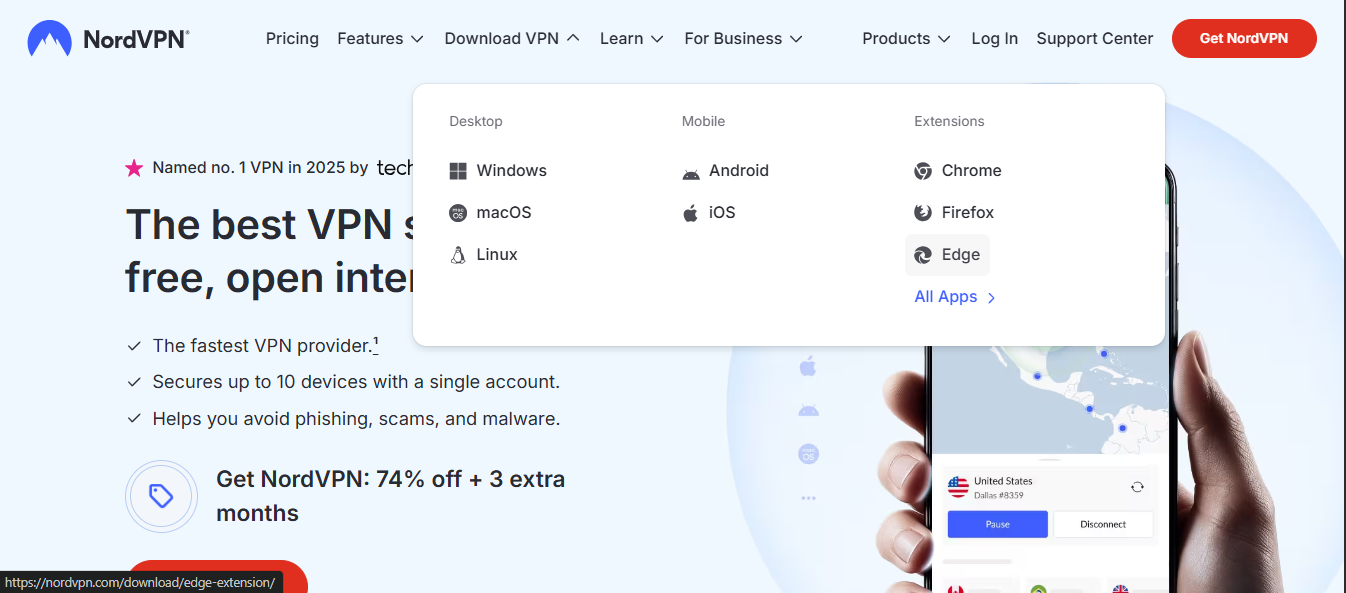
Changing your apparent region may also conflict with a service’s terms or local rules. Check the relevant terms before using a VPN to access region-restricted content. For apps that need your actual position, such as navigation or local safety tools, a VPN server location is not a substitute for GPS. Nord VPN in China: Does It Work and How to Prepare
VPN location versus GPS location
A VPN changes the route and apparent IP address of your internet connection. GPS and device location settings are separate. If an app asks for location permission, it may still receive location information from your device even while the VPN is on.
Which location signals a free VPN can affect
| Situation | VPN may help? | Other checks that may apply | Practical expectation |
|---|---|---|---|
| Changing the public IP shown to a website | Yes | VPN connection and server region | Usually changes the IP-based location |
| Changing a device’s GPS position | No | GPS and device location settings | VPN alone is not enough |
| Viewing a site limited by IP region | Sometimes | Site rules, account, and cookies | Access is not guaranteed |
| Using a region-restricted streaming service | Sometimes | Subscription country and service detection | The service may still block access |
| Changing an app store country | No, not by itself | Account country and payment details | VPN does not update the account |
| Accessing local websites while traveling | Sometimes | Site-specific region checks | Results vary by service |
| Hiding a location shared through browser permission | No, not by itself | Browser and device permissions | Review location access separately |
| Choosing a particular country on a free plan | Depends | Free-plan server availability | Confirm locations before connecting |
Compiled November 2026; check the provider's site for current details.
Recommendation
A free VPN can change your apparent IP location if its free plan provides a server in the region you need. Compare country availability, switching rules, data limits, and privacy practices before connecting. For a straightforward starting point, review providers’ own free-plan details, such as Proton VPN’s stated no-data-limit plan or UrbanVPN’s advertised country and switching options, and verify that the current terms fit your needs. Does Microsoft Edge Have VPN? What Edge Secure Network Does